 Stepwise
Your steps. Now your map.
One huge number for today. Tap Record and watch a blank map fill in, one road at a time. No accounts, no feed, nothing in the way.
Free to download · No account required · Trails stay on your iPhone
What you'll see today
A number resets every day. A map you've drawn doesn't.
Tap the orange Record button on a walk. A blank map fills in behind you, and every walk you save adds to it.
- It fills in as you walkRoads appear one at a time. Show faint streets or a colorful map under your trail, or keep it blank.
- It keeps recording with the screen lockedA Live Activity on your Lock Screen shows time, distance and steps, with a Stop button.
- See how many new roads you've foundSave the walk to My map and watch it grow. Delete it anytime.
Location is used only while you record. Your trails stay on your iPhone.
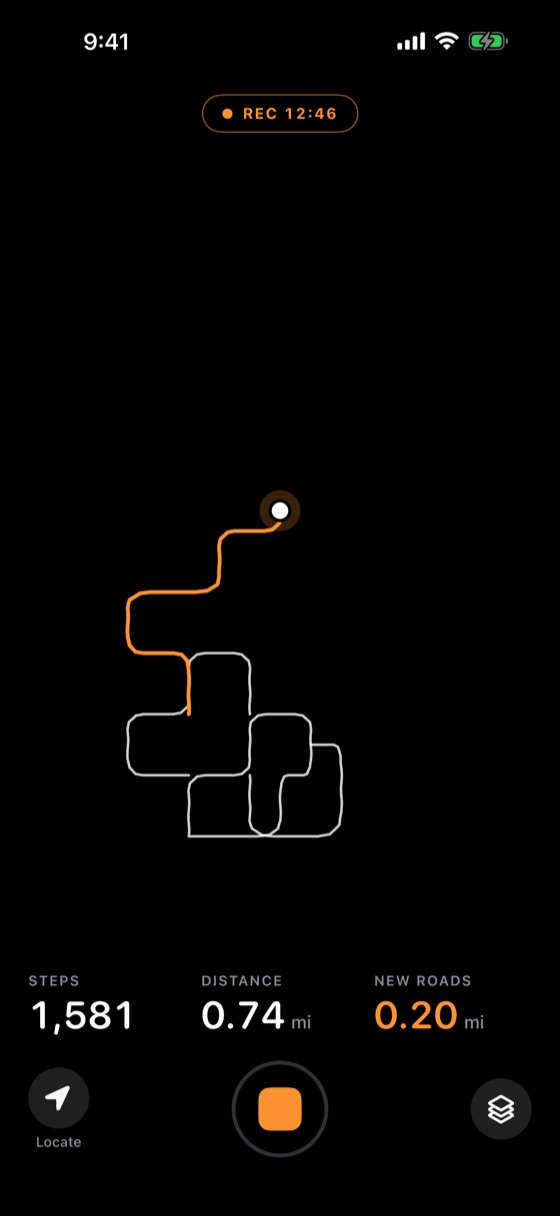 Recording
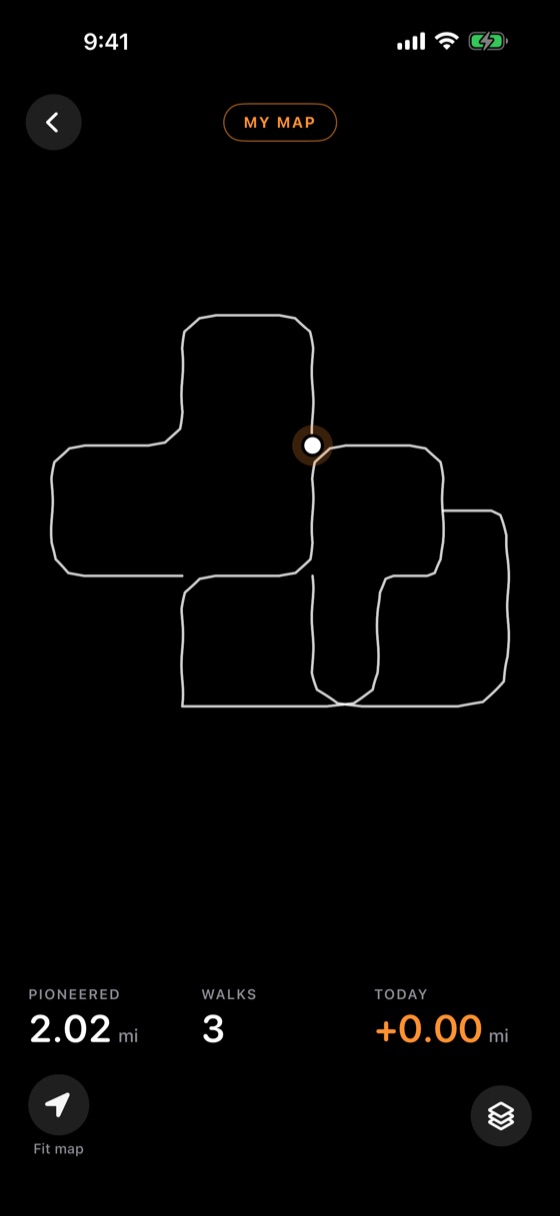 My map
Simple screens. Nothing extra.
The main screens in Stepwise, exactly as they look on an iPhone.
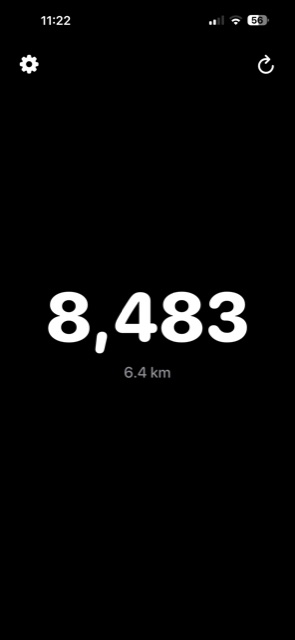 Today
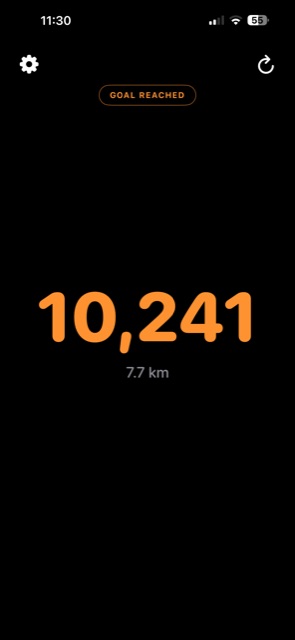 Goal reached
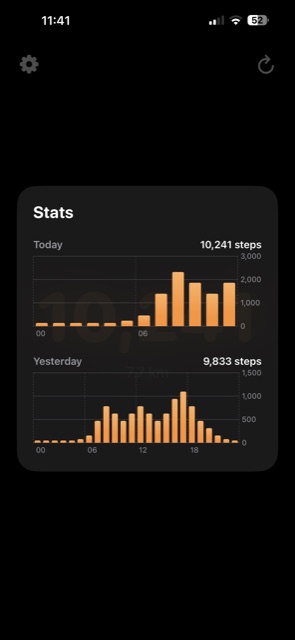 Today vs. yesterday
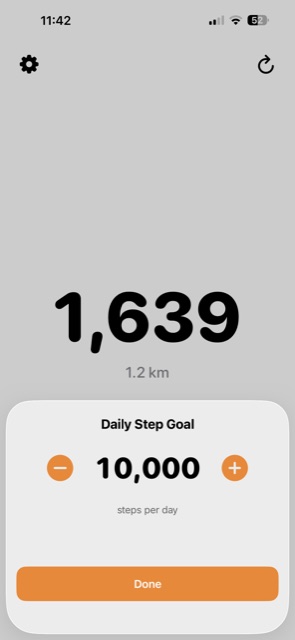 Set your goal
Record a walk
My map
Built to disappear into your day.
Zero friction
No sign-up, no email, no social graph. Steps start counting the moment you open the app for the first time.
A map that's yours
Record a walk and your own map fills in, one new road at a time. It runs in the background and stays on your phone.
Goals that feel good
Pick any daily target with a tap of the stepper. Cross it, and the whole screen shifts to orange to let you know.
A widget that keeps up
Your count sits right on the Home Screen, tuned to stay fresh without quietly draining your battery.
Today vs. yesterday, at a glance.
One tap shows how your day is shaping up against the one before it — no charts to configure.
Today 10,241 steps
Yesterday 9,833 steps
Every day gets a finish line.
Set a target once. Watch the number turn orange every time you cross it.
Download on the App Store